
SnipChat
Share Code Instantly. No Context Switching.
Share snippets and chat with your team in real-time—right from VS Code or Cursor. GitHub login. Zero friction.
🚀 Get updates on new features! DLCs
const share = (snippet) => {
// Send to teammate instantly âš¡
return snipchat.send(snippet);
}
// ✅ Delivered in < 50ms
See It Live
SnipChat lives inside your editor. No new windows, no new apps.
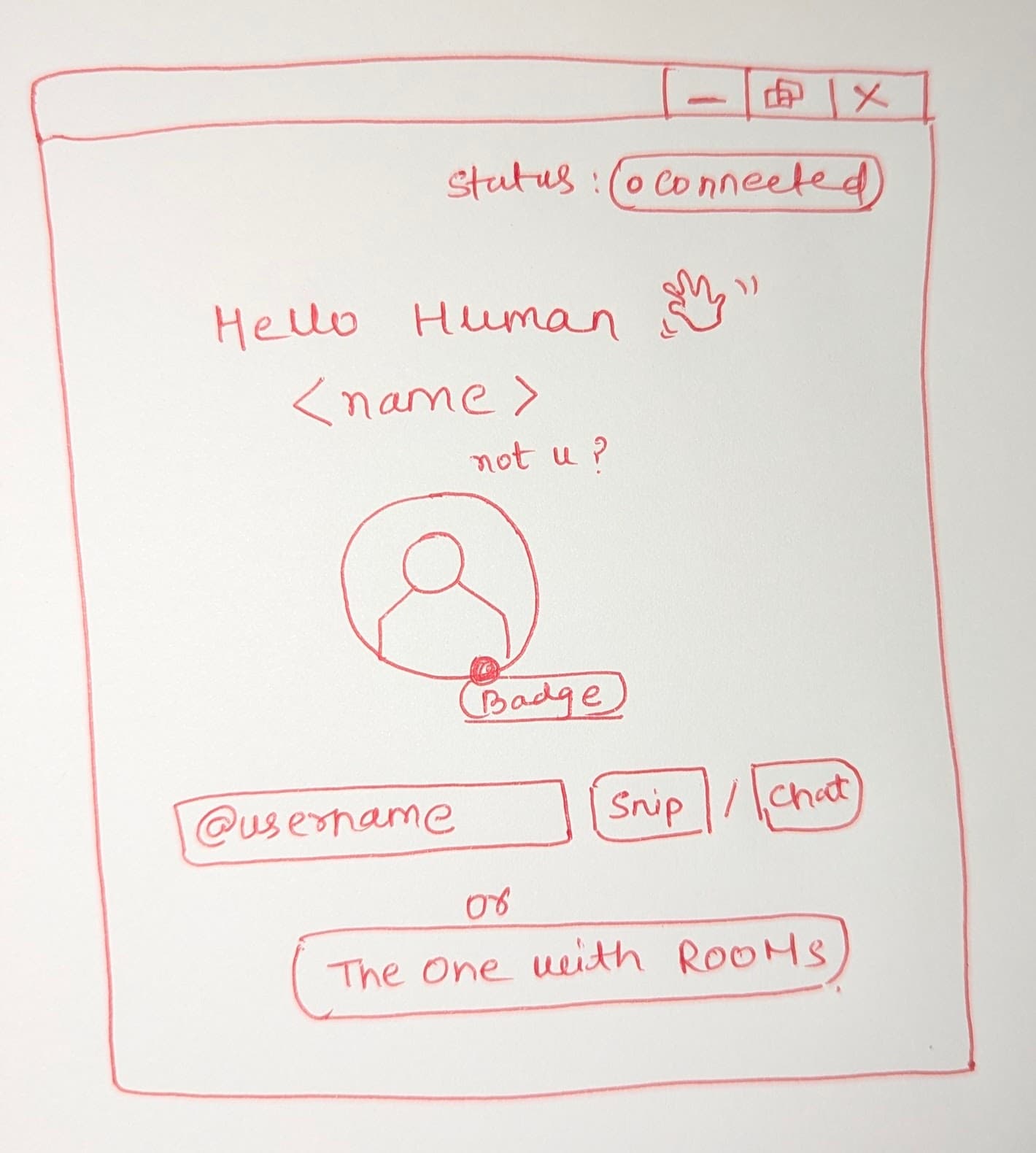
Built for Developer Productivity
Everything you need to collaborate faster, without leaving your IDE.
Real-Time Chat
Instantly message teammates with code context. No more alt-tabbing to Slack.
Zero Friction Sharing
Select code, hit send. Your teammate sees it in milliseconds.
Privacy First
All messages auto-delete after 24 hours. GitHub auth, no tracking.
Stay in Flow
Pop-up dialogs in your editor. Never break your concentration.
Up and Running in 3 Steps
From zero to collaborating in under two minutes.
Install the Extension
Search for 'SnipChat' in the VS Code marketplace and click Install. Works with VS Code and Cursor.
Sign in with GitHub
One-click GitHub OAuth. No forms, no passwords — we use your existing GitHub identity.
Share & Chat
Select any code, use the command palette or sidebar to send a snippet. Your teammate sees it instantly.
Works Where You Work
Native support for your favourite editors. GitHub-powered authentication.
Loved by Developers
See what our early adopters are saying
“Finally, code sharing that doesn't break my flow. SnipChat is exactly what I needed for quick pairing sessions.”
“The ephemeral messages feature is brilliant. No more cleaning up old conversations. It just works.”
“Rolled this out to my team and onboarding became 10x faster. Juniors can ask quick questions without context switching.”
Privacy You Can Trust
Built with developer privacy as the default, not an afterthought.
GitHub-First Auth
Login with your GitHub account. No new passwords to remember.
24-Hour Auto-Delete
Messages vanish automatically. Your conversations stay private.
End-to-End Security
Secure WebSocket connections. Your code never touches our servers long.
Zero Tracking
No analytics on your code. We don't monetize your snippets.
Common Questions
Everything you need to know before installing.